140 lines
4.9 KiB
Markdown
140 lines
4.9 KiB
Markdown
<p align="center">
|
||
<img src="https://img.shields.io/badge/Vue-3.2.45-brightgreen.svg"/>
|
||
<img src="https://img.shields.io/badge/Vite-4.3.1-green.svg"/>
|
||
<img src="https://img.shields.io/badge/Element Plus-2.3.1-blue.svg"/>
|
||
<img src="https://img.shields.io/badge/license-MIT-green.svg"/>
|
||
<a href="https://gitee.com/youlaiorg" target="_blank">
|
||
<img src="https://img.shields.io/badge/Author-有来开源组织-orange.svg"/>
|
||
</a>
|
||
</p>
|
||
<p align="center">
|
||
<a target="_blank" href="https://www.cnblogs.com/haoxianrui/p/17331952.html">vue3-element-admin官方文档</a> | <a target="_blank" href="http://vue3.youlai.tech">在线预览</a>
|
||
</p>
|
||
|
||
## 项目介绍
|
||
|
||
[vue3-element-admin](https://gitee.com/youlaiorg/vue3-element-admin) 是基于 [vue-element-admin](https://gitee.com/panjiachen/vue-element-admin) 升级的 `Vue3` 版本后台管理框架,使用 Vue3、Vite4、TypeScript、Pinia、Element Plus 当前主流技术栈开发。
|
||
|
||
## 项目特色
|
||
|
||
- 基于 `vue-element-admin` 升级的 `Vue3` 版本,主流技术栈,无过度自定义封装,极易上手,减少学习成本;
|
||
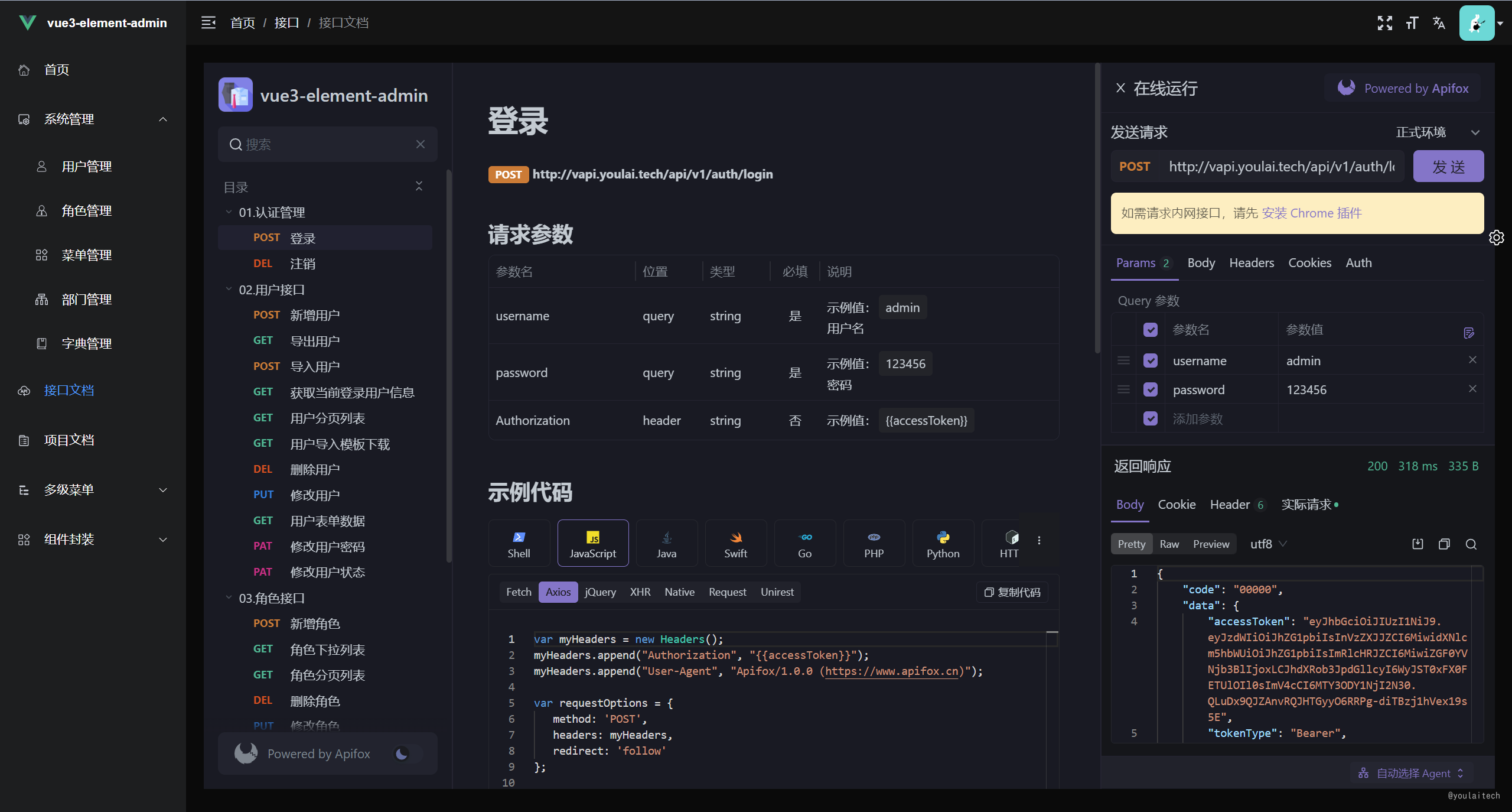
- 配套 `Java` 后台接口,非 `Mock` 数据,[在线接口文档](https://www.apifox.cn/apidoc/shared-195e783f-4d85-4235-a038-eec696de4ea5/api-65851240);
|
||
- 从 `0` 到 `1` 的项目文档支持,[官方文档](https://www.cnblogs.com/haoxianrui/p/16090029.html)。
|
||
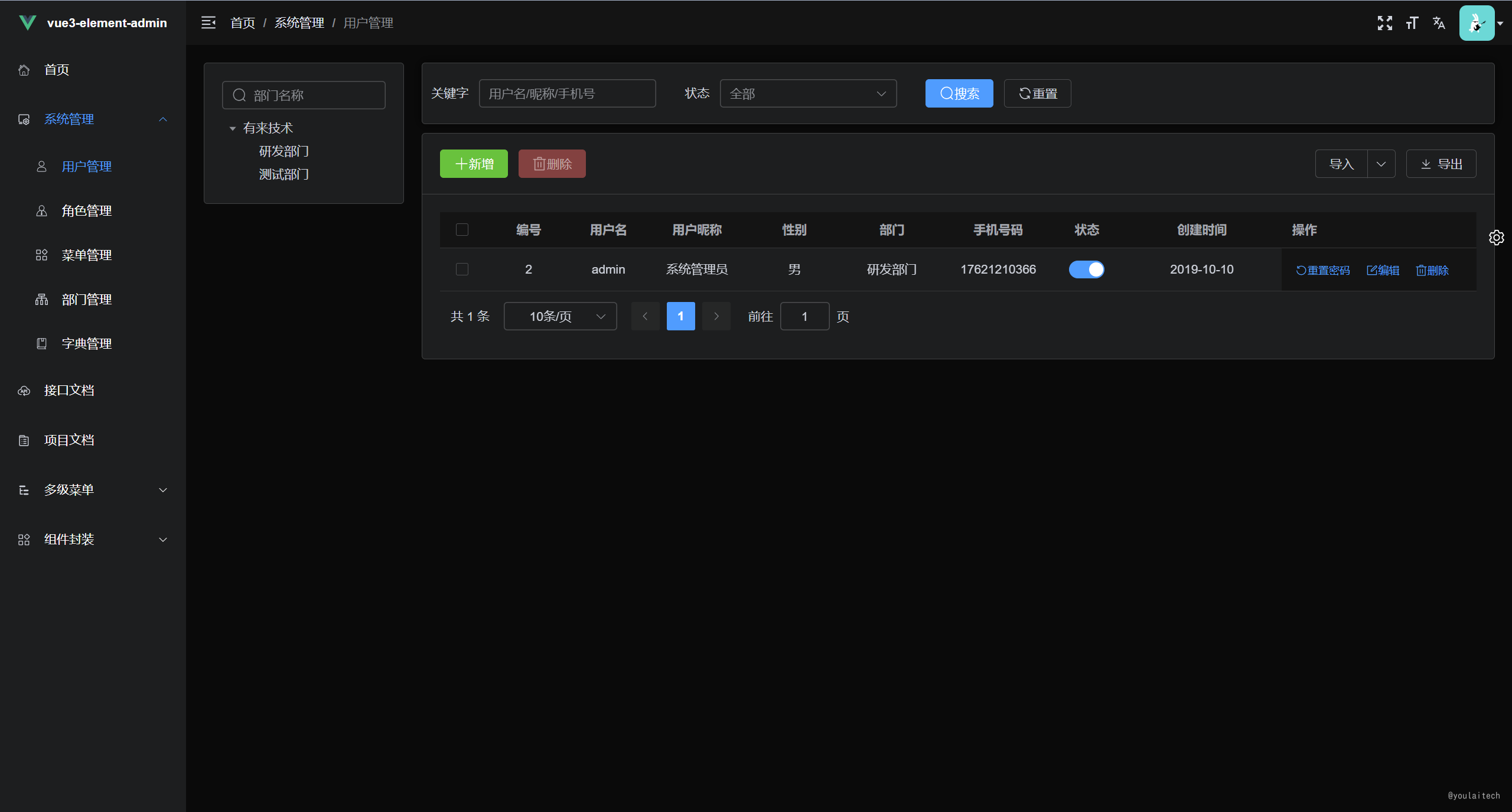
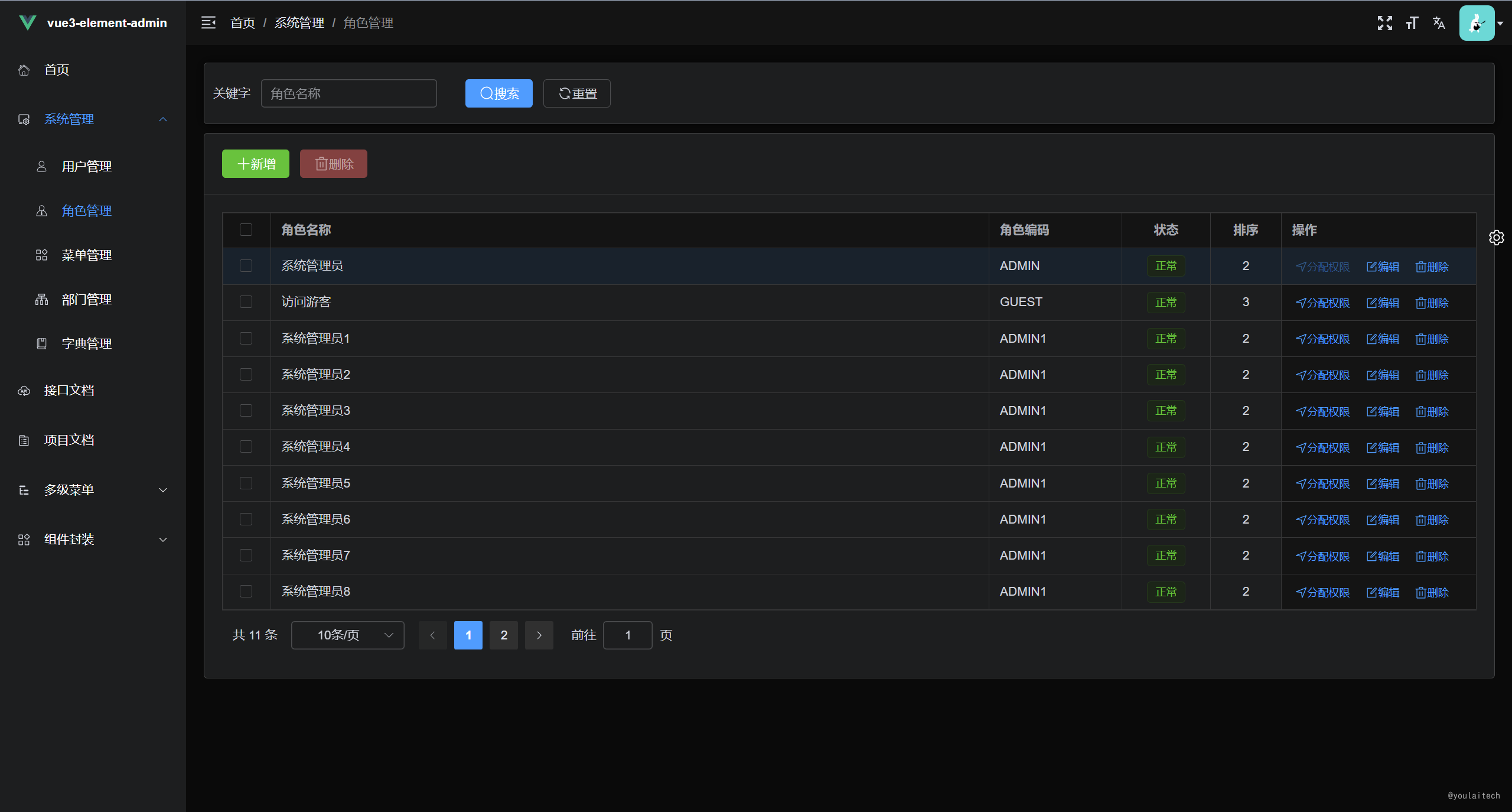
- 系统功能:用户、角色、菜单、字典管和部门管理等;
|
||
- 基础设施:动态路由,按钮权限,常用组件封装。
|
||
|
||
## 技术栈
|
||
|
||
| 技术栈 | 描述 | 官网 |
|
||
| --- | --- | --- |
|
||
| Vue3 | 渐进式 JavaScript 框架 | https://v3.cn.vuejs.org/ |
|
||
| TypeScript | JavaScript 的一个超集 | https://www.tslang.cn/ |
|
||
| Vite | 前端开发与构建工具 | https://cn.vitejs.dev/ |
|
||
| Element Plus | 基于 Vue 3,面向设计师和开发者的组件库 | https://element-plus.gitee.io/zh-CN/ |
|
||
| Pinia | 新一代状态管理工具 | https://pinia.vuejs.org/ |
|
||
| Vue Router | Vue.js 的官方路由 | https://router.vuejs.org/zh/ |
|
||
|
||
## 项目预览
|
||
|
||
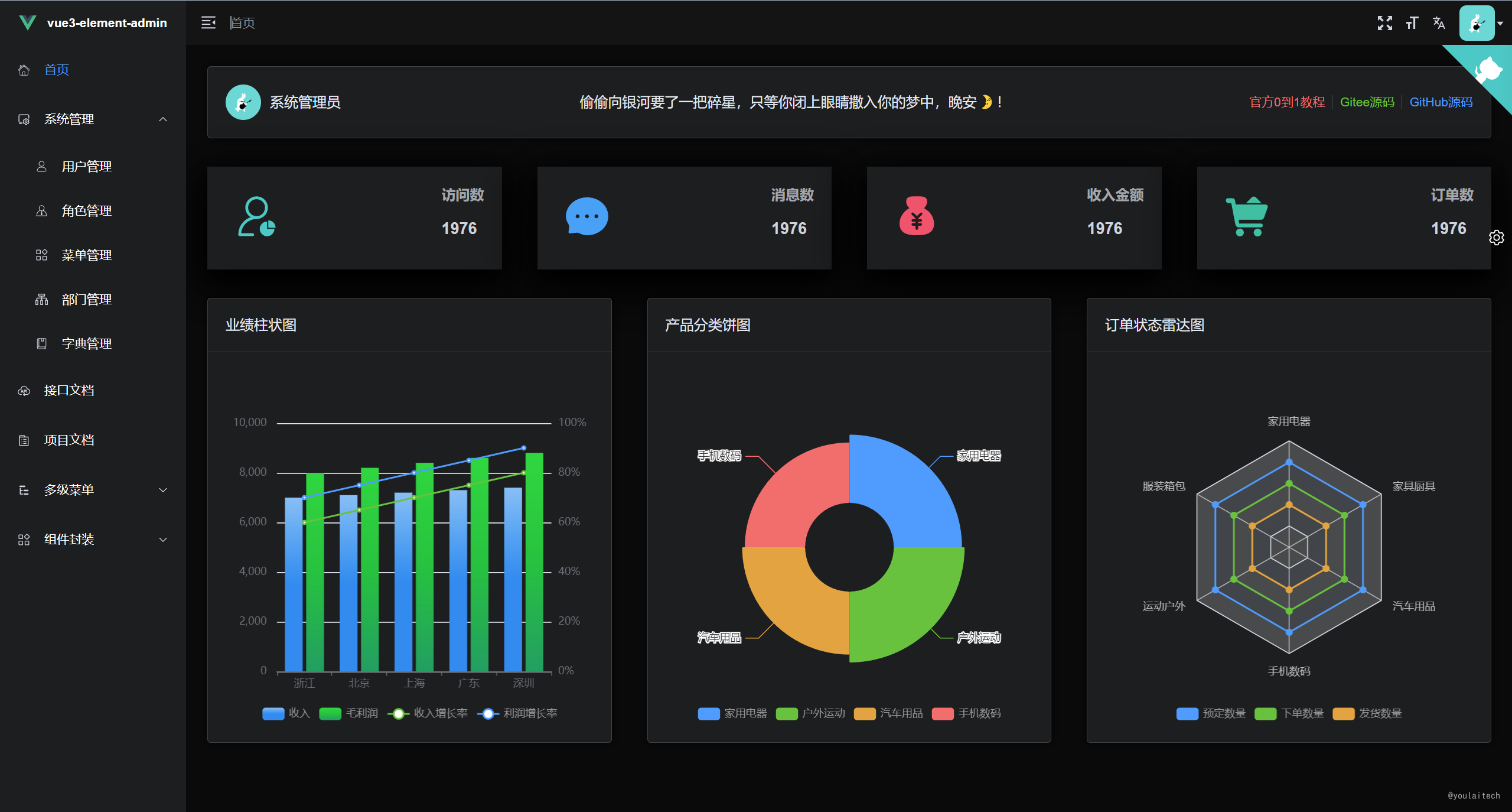
**在线预览地址**: [http://vue3.youlai.tech/](http://vue3.youlai.tech/)
|
||
|
||
**控制台 & 接口文档**
|
||
|
||
|  |
|
||
| --------------------------------------------------------------- |
|
||
|  |
|
||
|
||
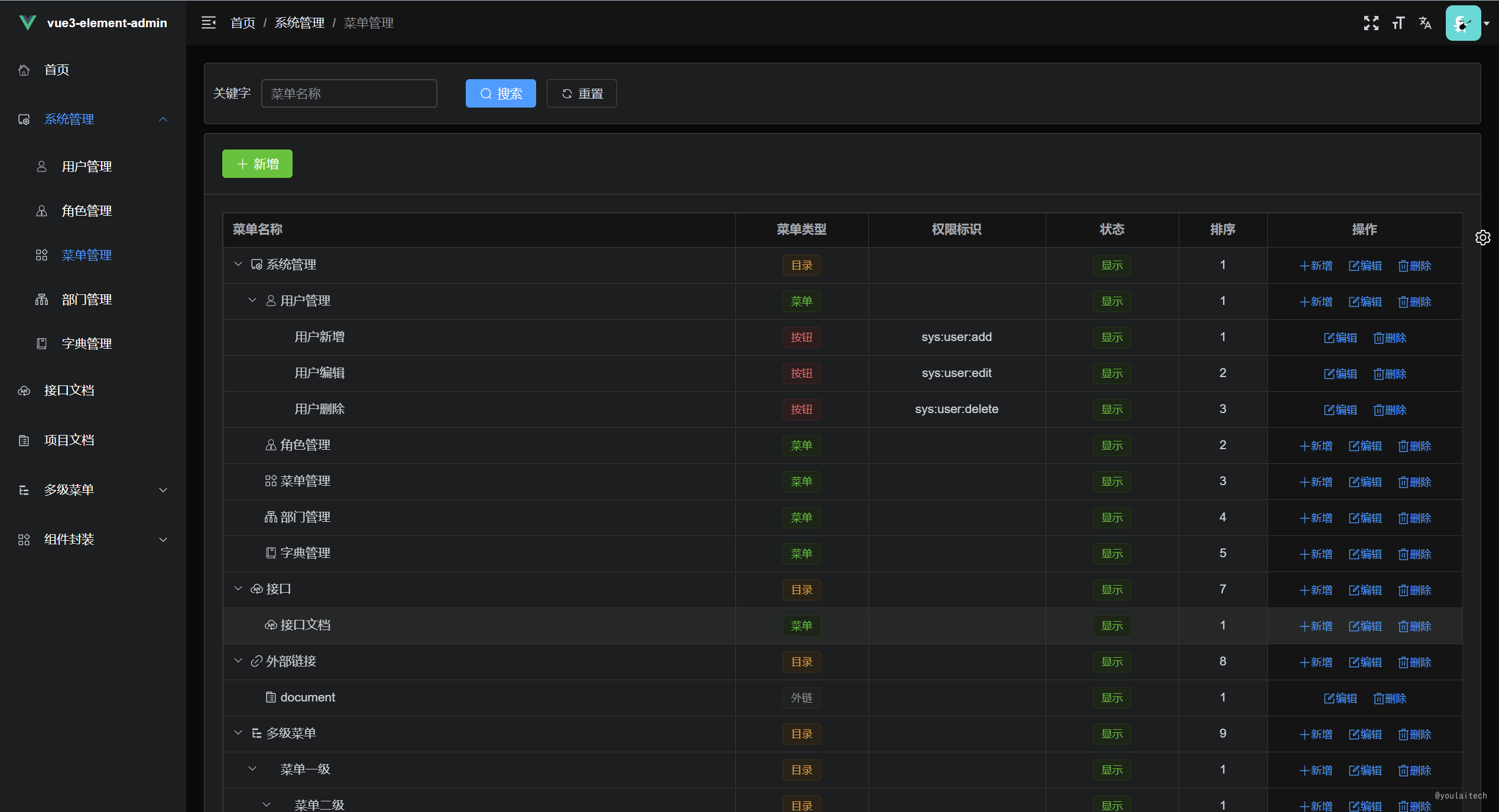
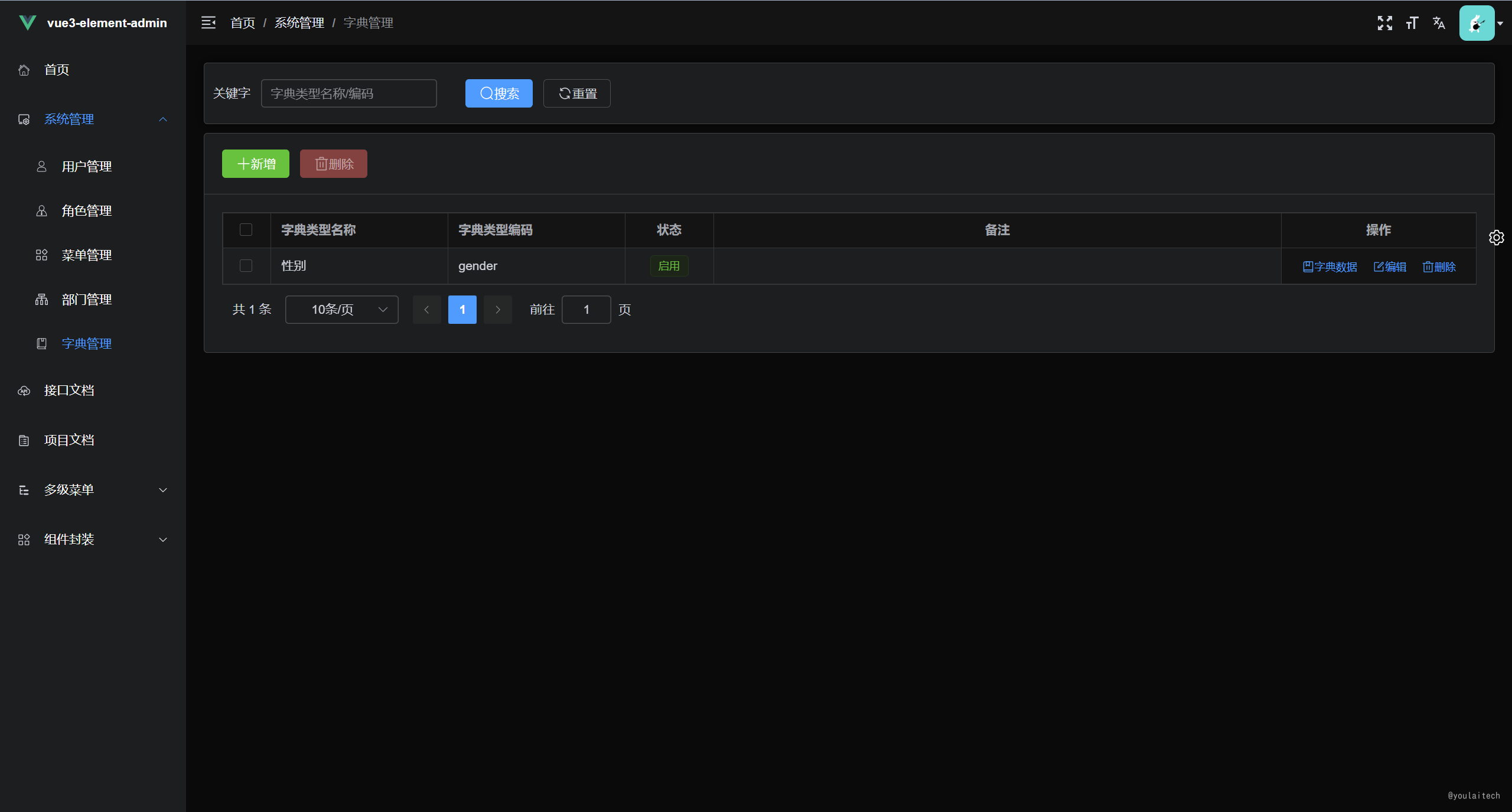
**权限管理系统**
|
||
|
||
|  |  |
|
||
| --- | --- |
|
||
|  |  |
|
||
|
||
## 项目地址
|
||
|
||
| | Gitee | Github |
|
||
| --- | --- | --- |
|
||
| vue3-element-admin | [vue3-element-admin](https://gitee.com/youlaiorg/vue3-element-admin) | [vue3-element-admin](https://github.com/youlaitech/vue3-element-admin) |
|
||
| 后端 | [youlai-boot](https://gitee.com/youlaiorg/youlai-boot) | [youlai-boot](https://github.com/hxrui/youlai-boot.git) |
|
||
|
||
## 环境要求
|
||
|
||
- Node 环境
|
||
|
||
版本:16+
|
||
|
||
- 开发工具
|
||
|
||
VSCode
|
||
|
||
- 必装插件
|
||
|
||
- Vue Language Features (Volar)
|
||
- TypeScript Vue Plugin (Volar)
|
||
|
||
## 项目启动
|
||
|
||
```bash
|
||
# 安装 pnpm
|
||
npm install pnpm -g
|
||
|
||
# 安装依赖
|
||
pnpm install
|
||
|
||
# 项目运行
|
||
pnpm run dev
|
||
|
||
# 项目打包
|
||
pnpm run build:prod
|
||
|
||
```
|
||
|
||
## 项目部署
|
||
|
||
- 上传文件
|
||
|
||
将打包生成在 `dist` 目录下的文件拷贝至 `/usr/share/nginx/html` 目录
|
||
|
||
- nginx.cofig 配置
|
||
|
||
```
|
||
server {
|
||
listen 80;
|
||
server_name localhost;
|
||
|
||
location / {
|
||
root /usr/share/nginx/html;
|
||
index index.html index.htm;
|
||
}
|
||
|
||
# 代理转发 prod-api 标识至 vapi.youlai.tech
|
||
location /prod-api/ {
|
||
proxy_pass http://vapi.youlai.tech/;
|
||
}
|
||
}
|
||
|
||
```
|
||
|
||
## 接口文档
|
||
|
||
- 接口调用地址:[vapi.youlai.tech](http://vapi.youlai.tech)
|
||
- 接口文档地址:[vue3-element-admin 在线接口文档](https://www.apifox.cn/apidoc/shared-195e783f-4d85-4235-a038-eec696de4ea5/api-65851240)
|
||
|
||
## 本地接口
|
||
|
||
> 默认使用线上接口,你可以通过以下步骤完成本地接口环境搭建:
|
||
|
||
1. 获取基于 `Java 、SpringBoot` 开发的后端 [youlai-boot](https://gitee.com/youlaiorg/youlai-boot.git) 源码 ;
|
||
2. 根据后端工程说明文档 [README.md](https://gitee.com/youlaiorg/youlai-boot#%E9%A1%B9%E7%9B%AE%E8%BF%90%E8%A1%8C) 完成本地启动;
|
||
3. 替换 [vite.config.ts](vite.config.ts) 的代理目标地址 [vapi.youlai.tech](vapi.youlai.tech) 为本地的 [localhost:8989](localhost:8989) 。
|
||
|
||
## 关于我们
|
||
|
||
> 欢迎加我的微信,备注 `前端`、`后端`、`全栈` 进对应技术交流群
|
||
|
||
| 微信交流群 | 我的微信 |
|
||
| --- | --- |
|
||
|  |  |
|
||
|
||

|